
KBZ Bank Mobile Banking Services
KBZ Bank Mobile Banking Services
First Customer has to install the KBZ Bank Mobile Banking Services.
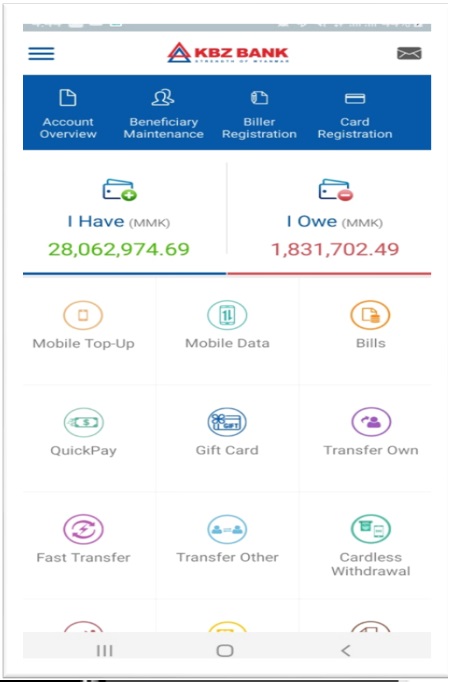 1. Login into the KBZ Mobile Banking Application and choose select "QuickPay" as following.
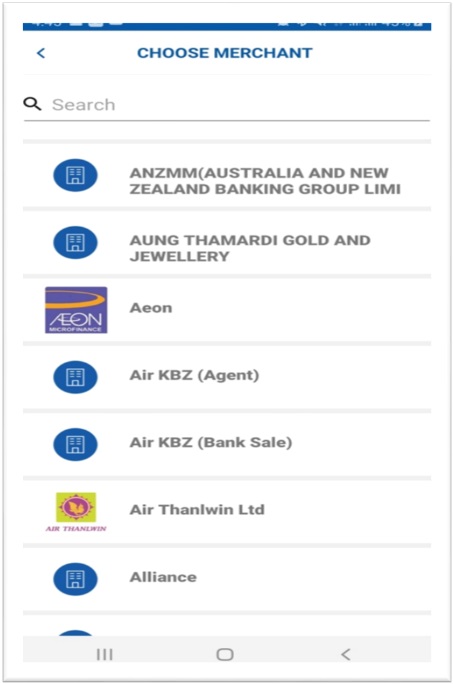 2. Please choose "Aeon".
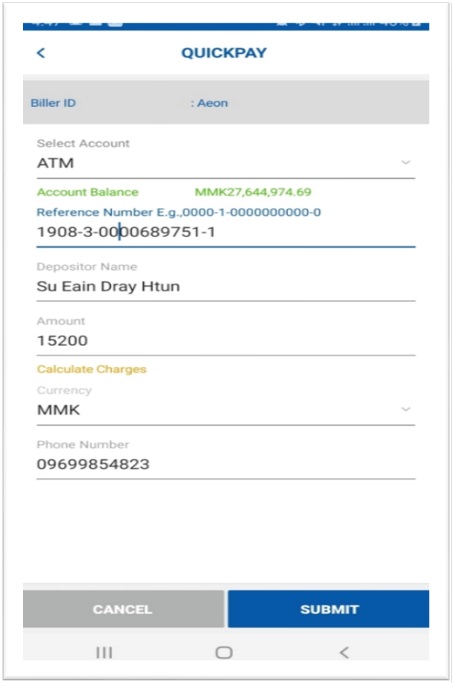 3. Please insert "Reference Number, Depositor Name, Amount, Currency, Phone Number" and press "SUBMIT".
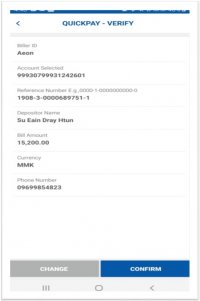 4. Please check data and press "COMFIRM".
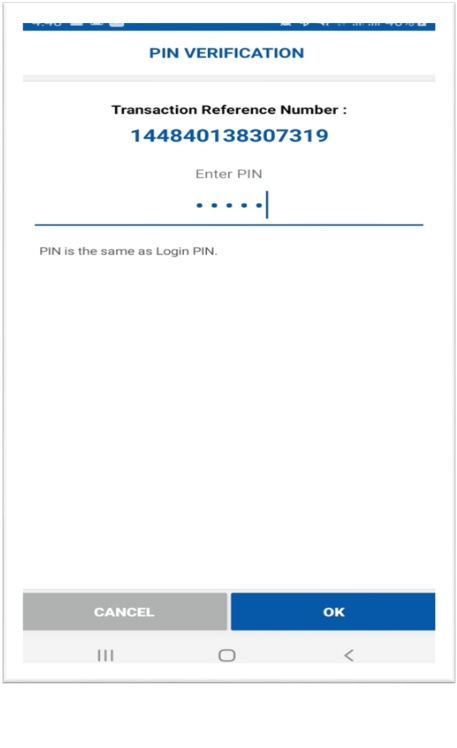 5. Please fill the PIN (6 digits) and press "OK".